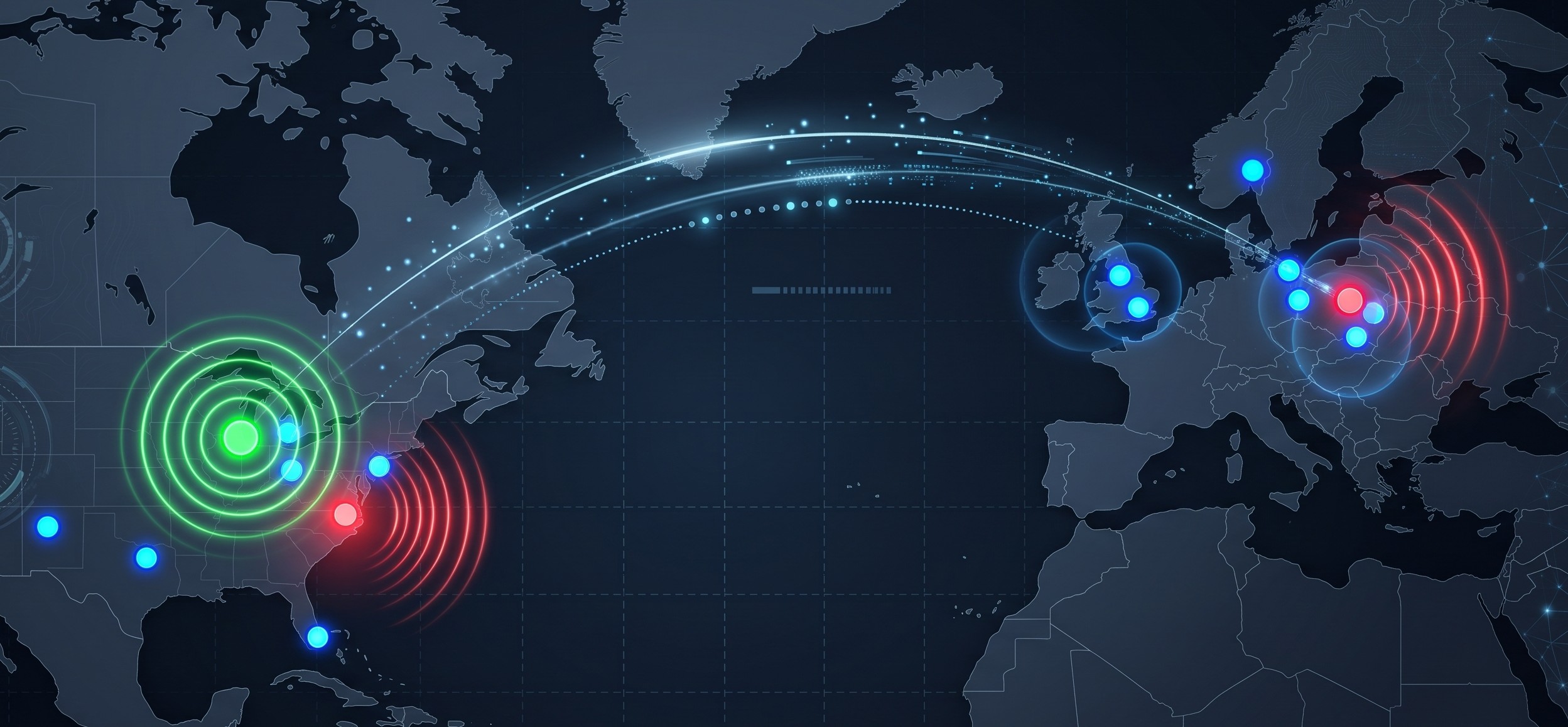
When we talk on Group 312, we often don't realize just how many fellow operators are listening at any given moment. Someone might transmit from Wicker Park, a station from the Mazovia region of Poland answers a moment later, someone else joins in from a car traveling along I-90, while in the background, a whole group of operators on both sides of the Atlantic quietly listens in. We wanted to make this activity visible, so we've completely redesigned the Status tab.
From now on, it provides a real-time picture of what's happening across our network, with its centerpiece being a new interactive map of stations.
At the very top of the page, you'll find a clear list of Group 312 repeaters, including their frequencies, offsets, and PL tones. Each repeater also displays whether it is currently connected to the reflector. If you're traveling or find yourself somewhere new and aren't sure which repeater to use, simply click the "Nearest Repeater" button. The website will automatically identify the repeater that is currently the best option for you.
Just below the list is the heart of the new Status tab: a map covering the area from Chicago all the way to Poland. It displays stations monitoring our TG 3109312 talkgroup across FM Poland, SQLink, FM261, and AllStarLink networks. Since the data refreshes in real time, the map literally comes alive along with the group.
When someone presses the PTT button, their marker immediately lights up red, and a bubble displaying their callsign appears above it. This makes it easy to see who is talking and where they are located, even if you're hearing that operator for the first time. Mobile stations transmitting APRS beacons are displayed as green markers, moving across the map in real time so you can follow who's currently on the road.
The most exciting feature, however, is the "Interactive Map" button tucked away in the corner of the screen. Once activated, the map takes over and automatically follows the ongoing conversation. It smoothly zooms in on the station currently transmitting, then may fly across the Atlantic when someone on the other side of the ocean takes the microphone. When the frequency goes quiet, after one minute the camera automatically returns to the overall view showing all stations.
You can also open the entire map in a separate, full-screen window. This makes it perfect for displaying on a second monitor or television in your radio shack, where it can accompany you throughout the evening.
We've also paid attention to privacy and transparency regarding the displayed data. Since not every station shares its exact coordinates, those locations are displayed approximately, with an accuracy of about one kilometer, represented by a dot surrounded by a light-colored circle. If you want your station to appear at its exact physical location, simply enter your coordinates in your node's settings.
If, on the other hand, you prefer complete privacy and don't want your station to appear on the map at all, just contact us and we'll disable even the approximate location associated with your callsign. All these options, along with an explanation of how the system works, are described step by step on our "How the Map Works" page.
Visit the Status page and turn on the Interactive Map, and key up on the group. You'll see for yourself as your marker turns red.
See you on 312!